http://humn270finalprojecthaipujunjie.blogs.bucknell.edu/
My research question has two parts. For my own part of the research, I want to discover how Trump’s tweets reveal Trump’s information. Are there any trends in his tweets? Are there any habits or routines of his that can be unveiled through his tweets? For the combined part of the research, Haipu and I are interested in finding more information after combing my data with his data, especially to figure out what he focuses most and what the news focus most and whether there is any relationship between his tweets and the news about him.
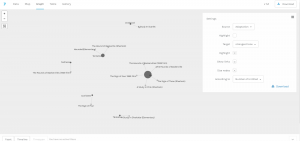
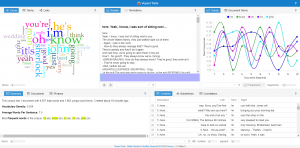
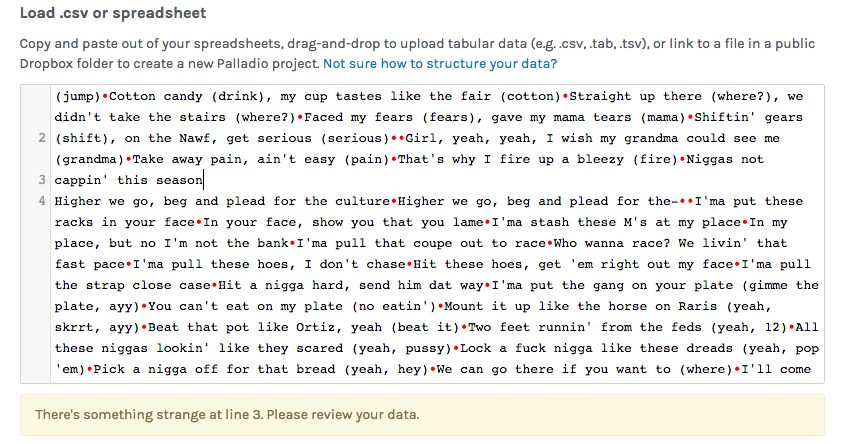
The methodology of my research is basically using python to write code for collecting raw data and extracting metadata. Then, I used Voyant and Palladio to analyze and visualize the data I collected. I used Voyant mainly for text file analysis and used Palladio for metadata analysis.
On the way to the final results, there are a lot of challenges and obstacles. Here are some problems that I encountered and finally resolved on my way.
The first step is to create my corpus. As a good base is crucial to a building, so is a good corpus to a data visualization project. The database I have will play an important role through my progress of the project. Due to my computer science and engineering major background, I decided to use coding methods to collect data from Twitter. Furthermore, since Trump is really popular on Twitter and a lot of people have concerns about him, I decided to use Trump’s tweets as my database. I spent great effort trying to collect the linguistic features and behavioral characteristics of him.

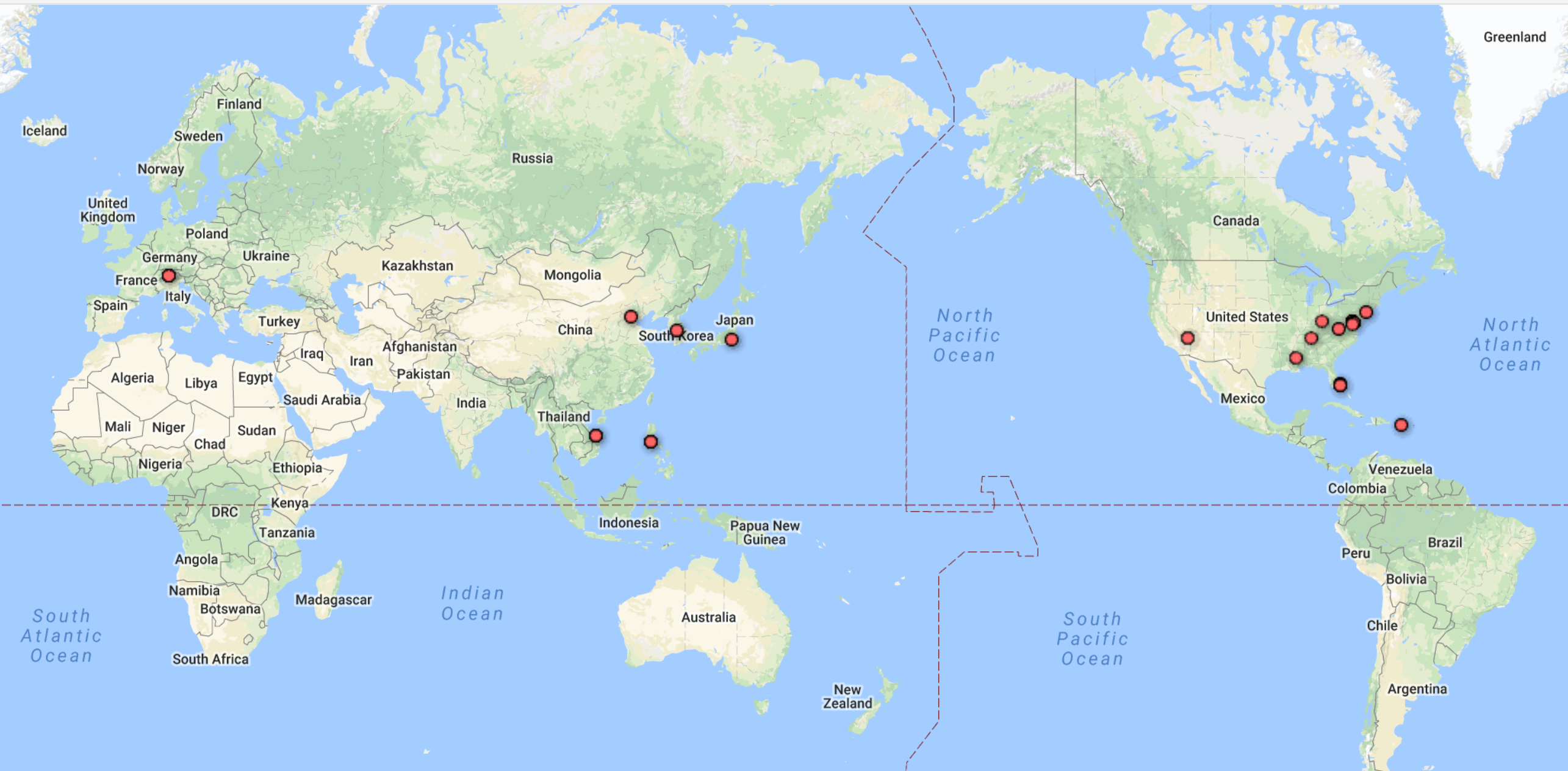
With the reminder of Professor Faull, I noticed that metadata can also reveal a lot of information and may have unexpected positive effect when combining with raw data. Therefore, I wrote another piece of code for gathering and organizing metadata.

It’s not the end of the story of data collection. I used this corpus and database for assignment 3 and get some seemingly fantastic visualizations including graphs and timeline.

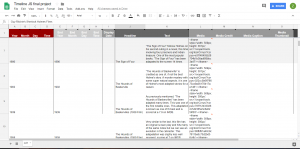
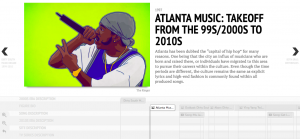
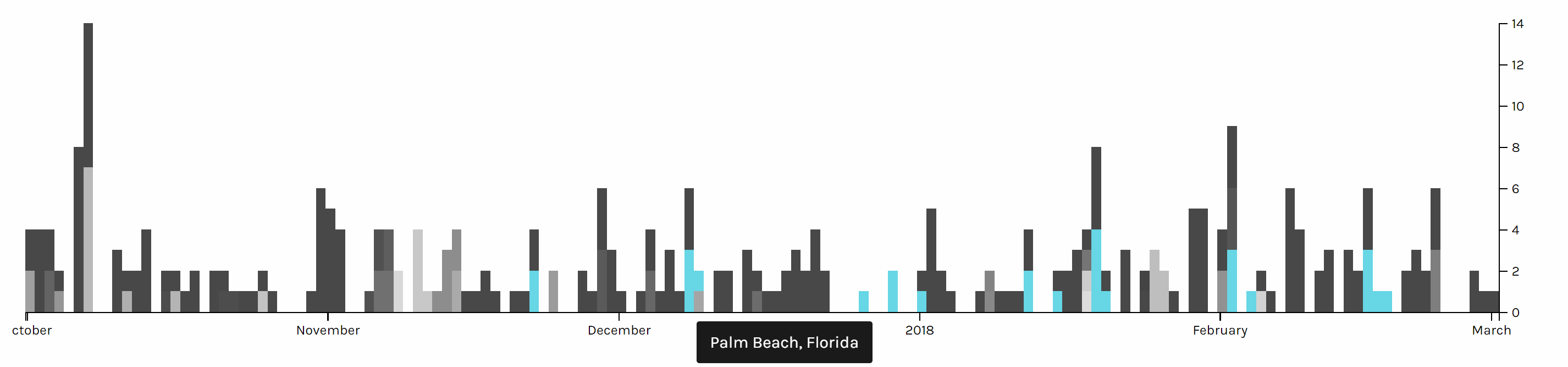
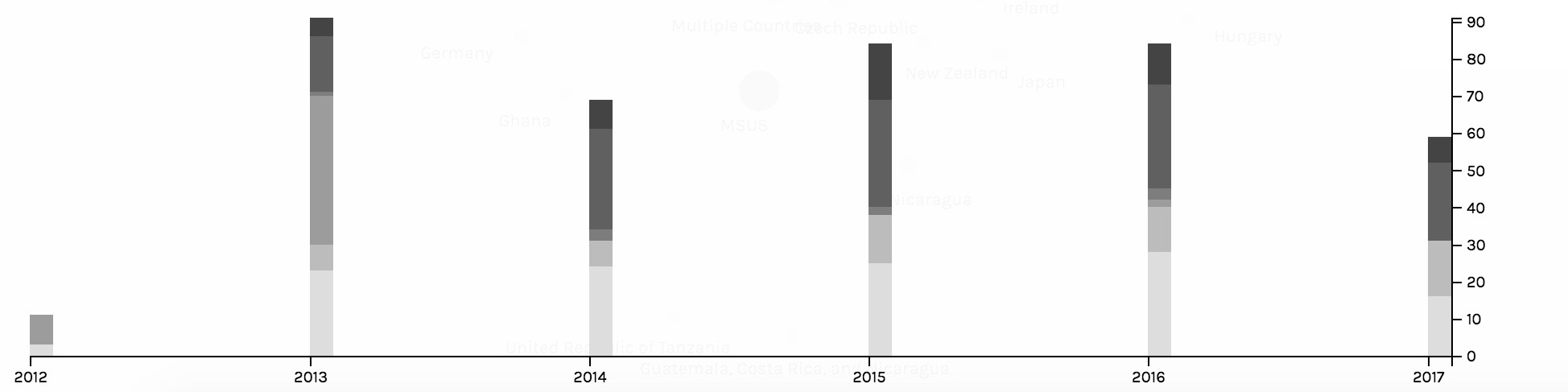
After assignment 3, Professor Faull pointed out that according to some analysis, Trump mostly posts tweets in early mornings. However, my data showed that he post tweets mainly in the night and afternoon, which lead to my attention. After careful analysis, I found that the timezone of the original tweets is UTC, which causes the problem. Therefore, I added the feature of timezone conversion to my code and finally solved the problem. Although the results still show that he post tweets mostly in the night and afternoon, I fixed the original error, thus eventually acquiring the final version of my database. If you compare the above and the below timelines, you can find various small differences. For example, on January 31st, the above timeline shows that there are 2 tweets posted while the below one shows that there is no tweet posted.

Through this incident, I learned that it is really important to carefully progress in the process of data visualization. Reading Edward Segel and Jeffrey Heer’s article Narrative Visualization: Telling Stories with Data, I learned that as a storyteller, I am the intermediate between raw data and audience. Therefore, I should take the responsibility for interpreting data as well and correctly as I can.
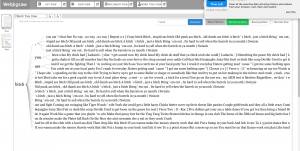
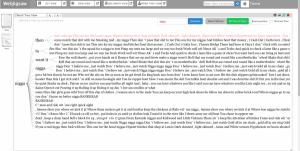
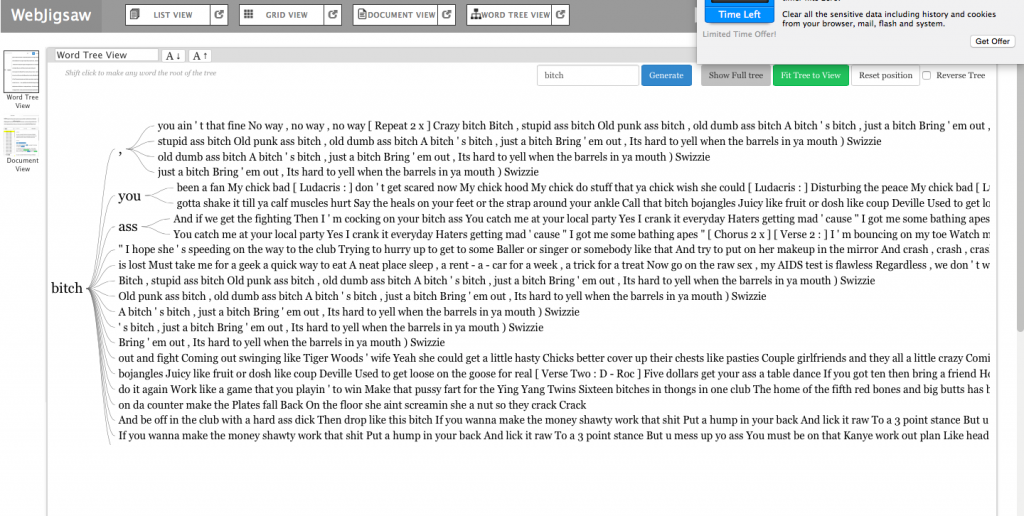
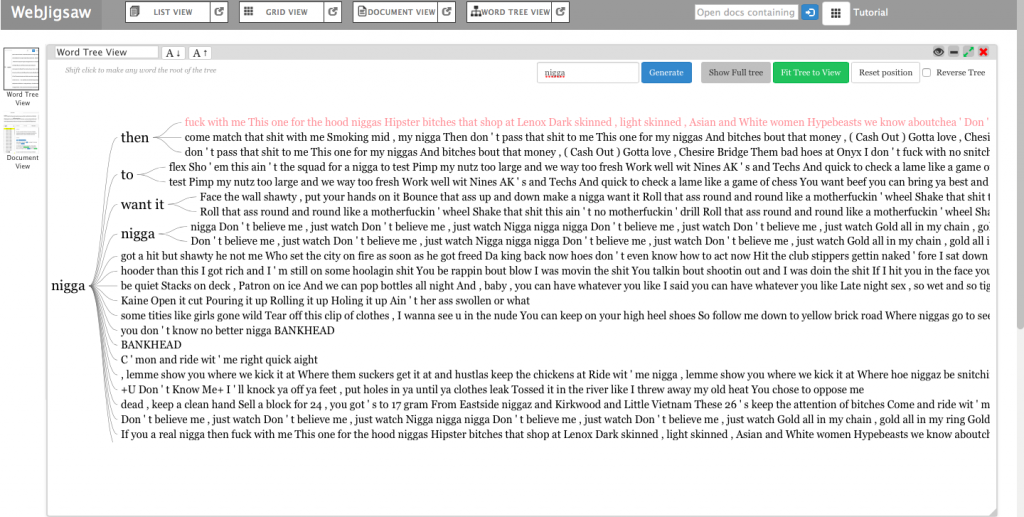
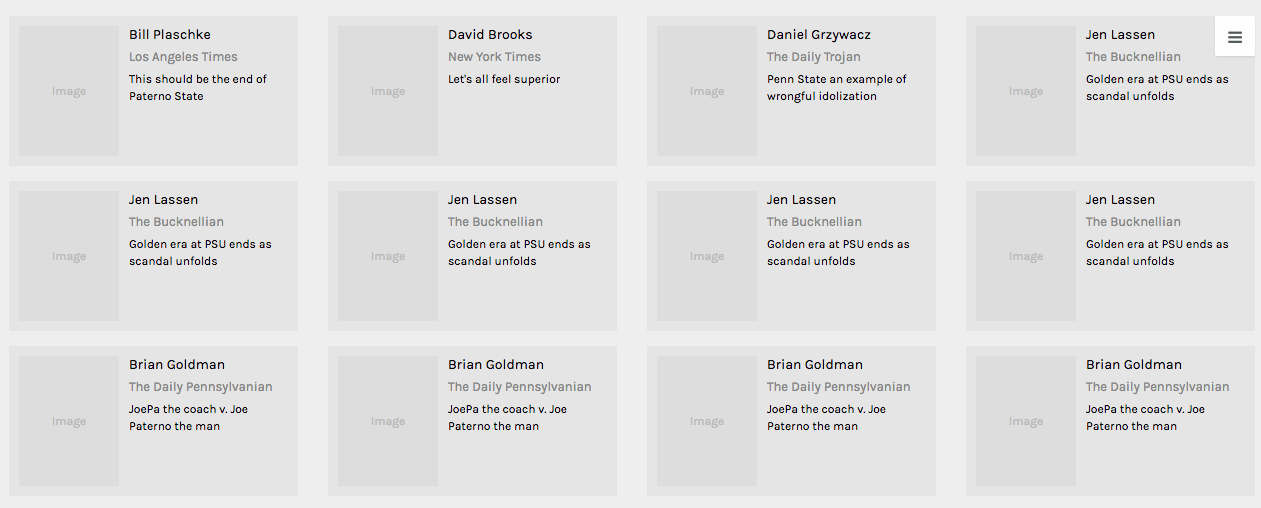
In addition to metadata visualization tools, I also used text analysis visualization tools, like Jigsaw. Jigsaw is helpful when producing word trees and context. The feature I love the most in Jigsaw is the document grid view. This feature provides multidimensional visualization with order and color. Also, since documents are ordered, it makes viewing documents in some organized sequence possible.

However, there are some pitfalls in Jigsaw. First, the interface of the software is pretty old. Thereby, it’s hard to use Jigsaw to produce good-looking visualizations. Moreover, the functionality of Jigsaw is limited. Compared with Voyant, Jigsaw is unable for the user to choose what they want to see or what they want to ignore. Therefore, I eventually determined to use Voyant and Palladio as my visualization tools.
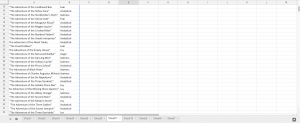
During the period of analysis, I also faced a problem that I used to use a number to name the files I collected. However, it’s hard for people to understand what these numbers mean and it’s difficult for visualization tools to order them. Therefore, I tried hard to change my code to use the date as an identifier, therefore solving the problem.

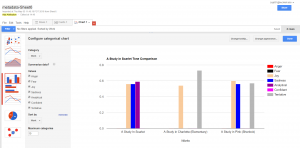
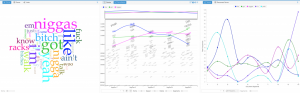
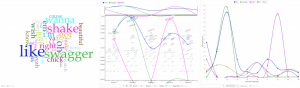
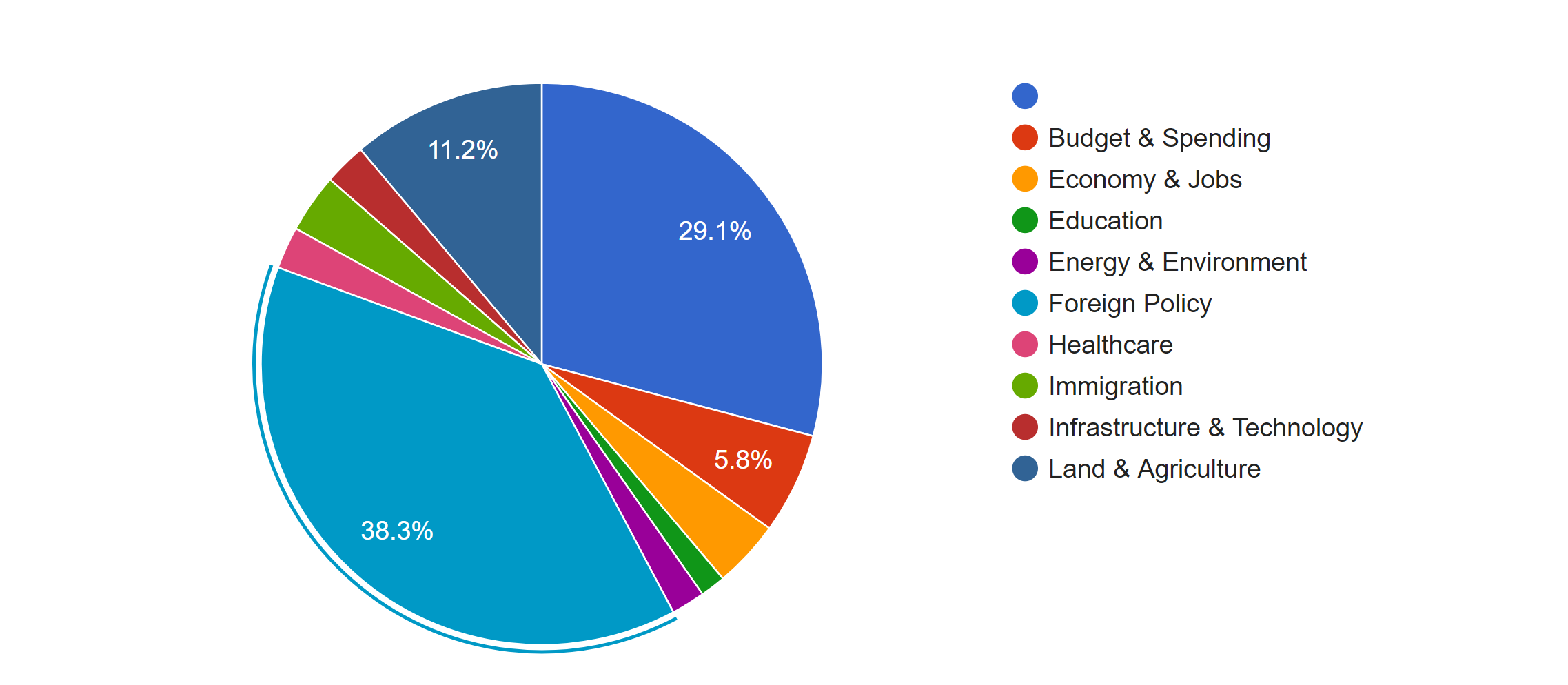
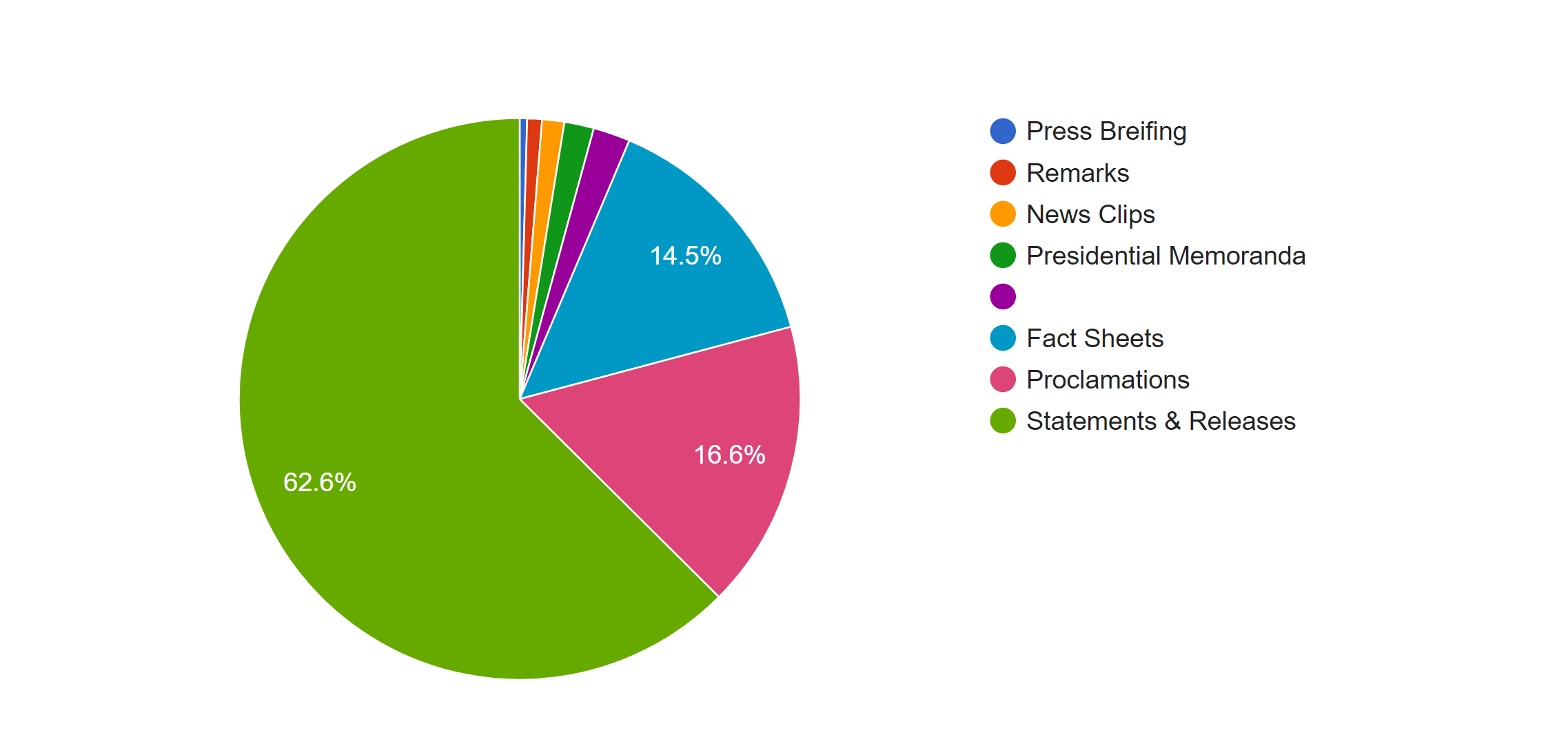
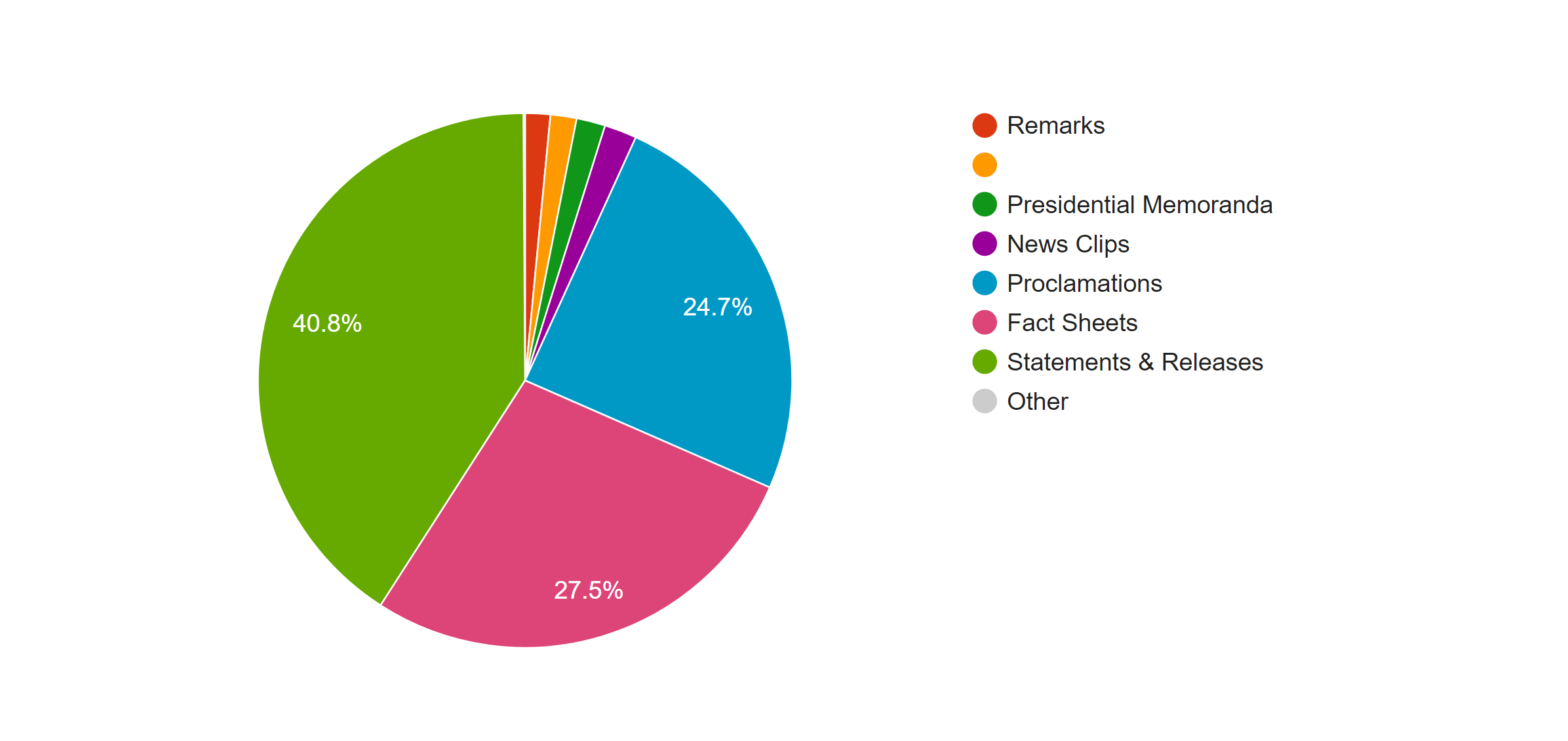
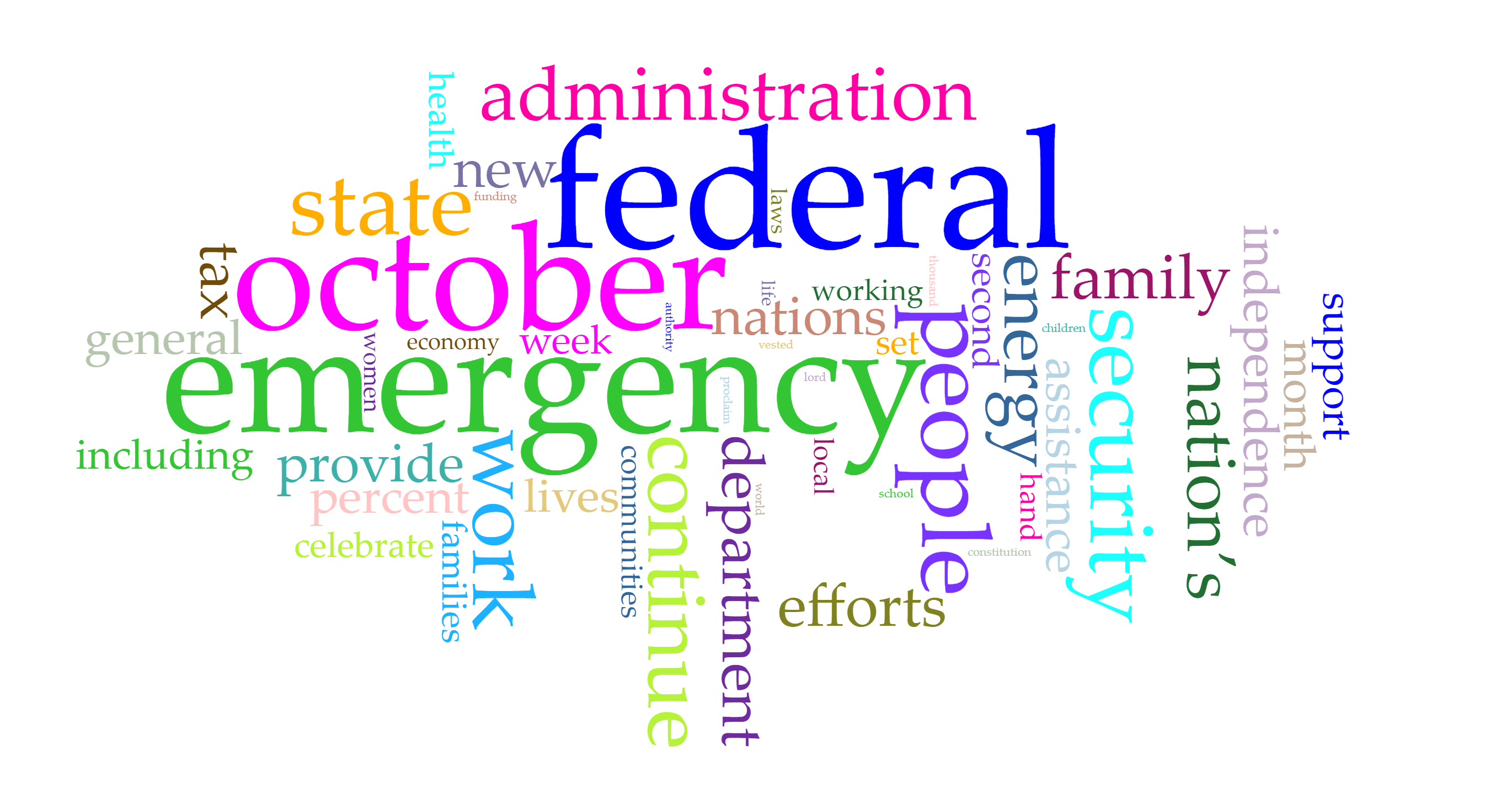
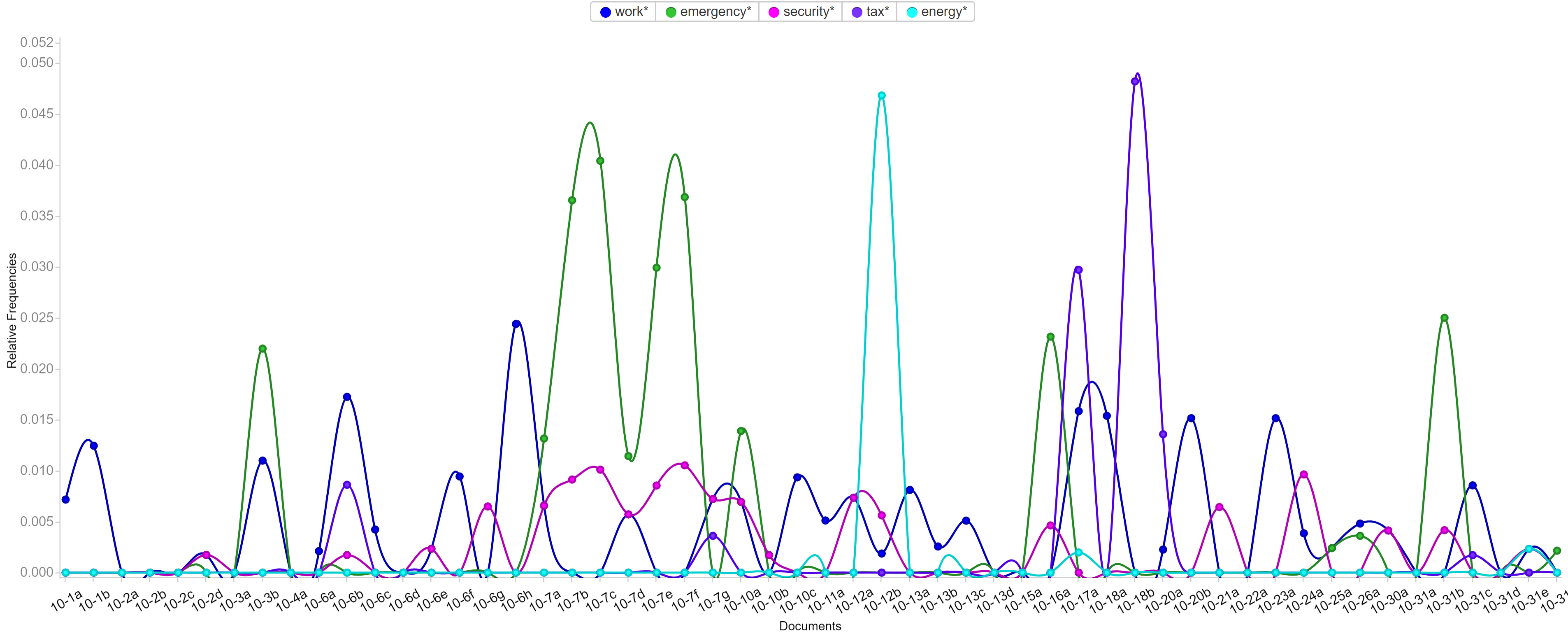
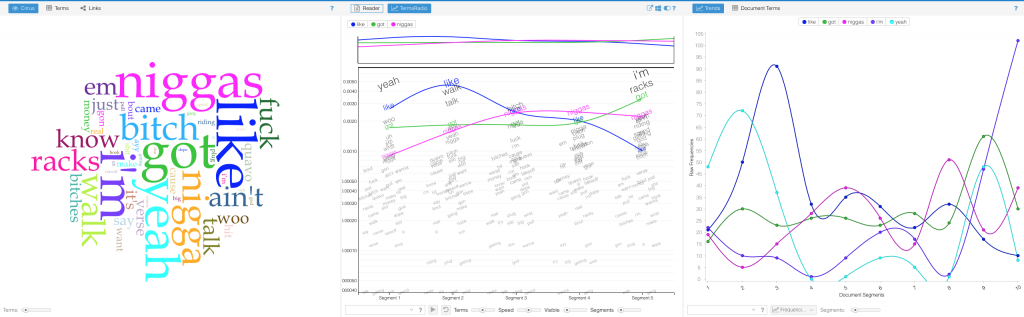
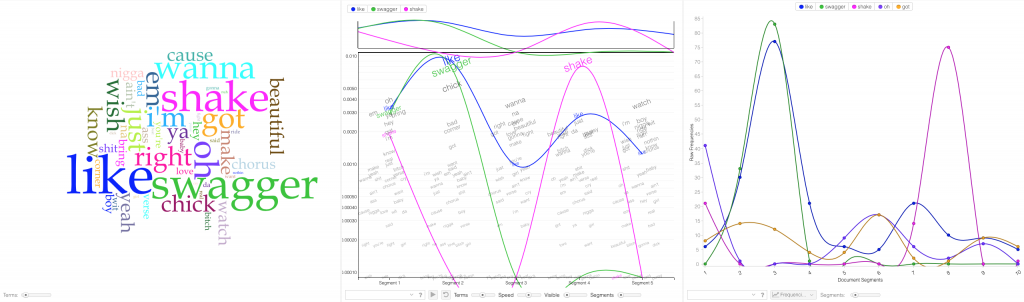
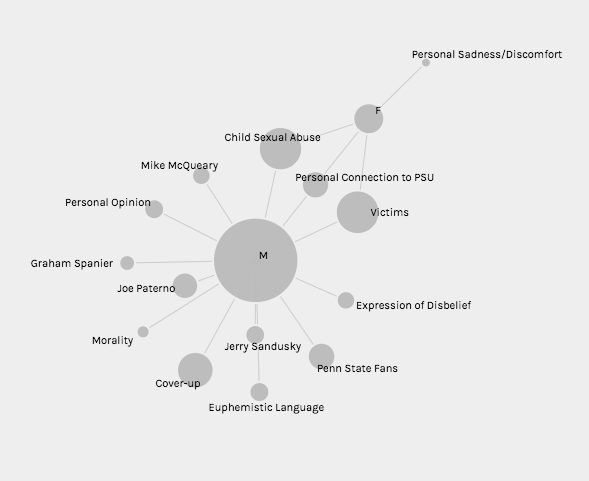
After finishing my part of the research, Haipu and I combined our work together, comparing our visualization produced by Voyant through terms, bubblelines and trends.
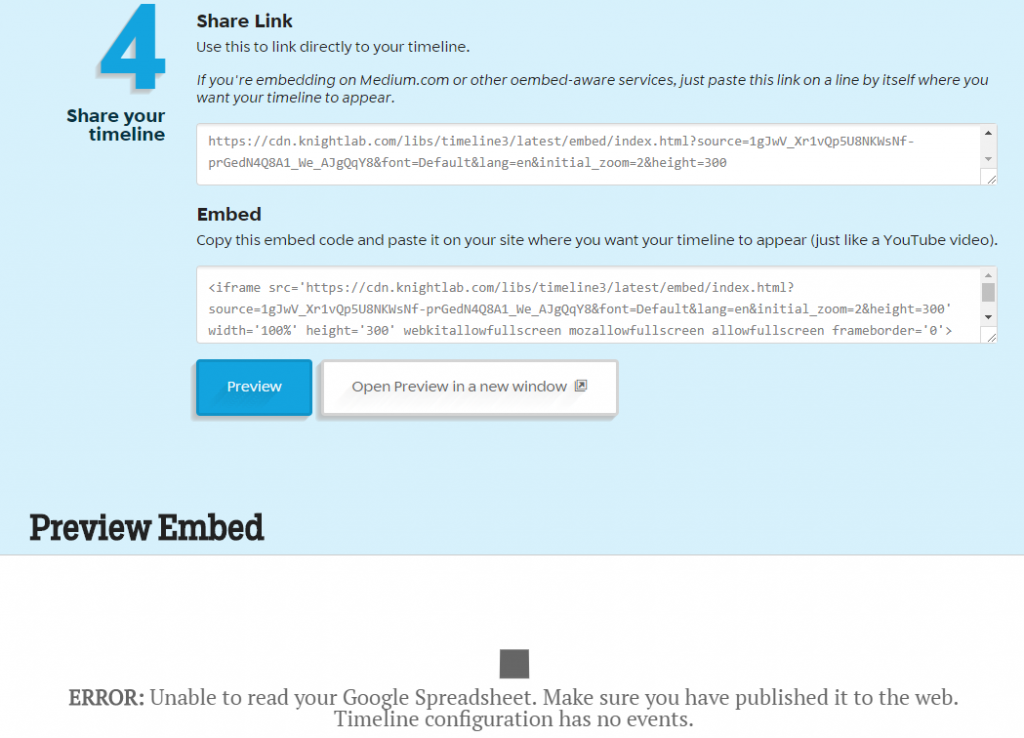
We met a lot of problems when combining our work. Since there may be multiple news posted one day but there is only one file for tweets per day, the organization of matching files seems to be really hard. What’s worse, when trying to use excel to combine our data, we found that data on the same line may have different dates, due to different frequencies. In order to circumvent this problem, we decided to construct two timelines separately and then compare the timelines. This solved the problem and provided us with the opportunity to analyze and compare our work effectively and efficiently.
Another problem we met was the software failure of Voyant. When we loaded our data separately to Voyant, we found that the term and trend features did not work properly. Nothing showed up at the context window when I clicked a word and the frequencies shown on the trends were really strange. According to our speculation, it was due to the limit of the number of files that Voyant can handle. Therefore, we were not able to load all of our data to Voyant. Our solution was to divide our data into pieces, specifically into months, and then compare trends of each month. This finally solved our problems.
Despite difficulties and obstacles, we finally reached our goals and fulfilled the project. I found some habits and of Trump and discovered trends in his tweets. Haipu and I together found the relationship between Trump’s tweets and the White House news, illustrating the differences and similarities. To conclude, I feel good with our project because it answers our research questions.