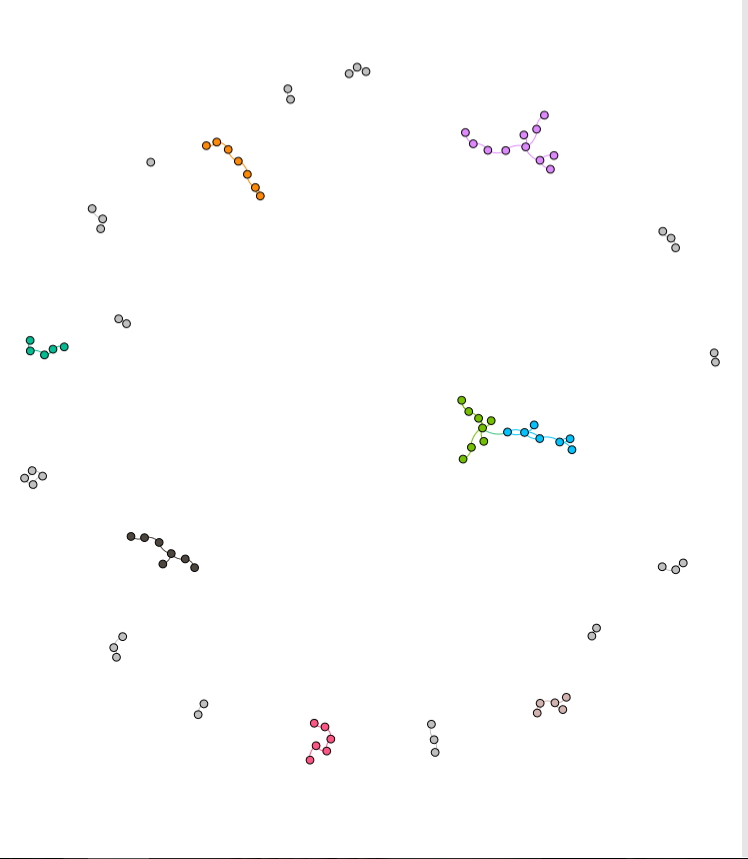
Gephi is a data visualization tool that allows the user to input data and manipulate it in numerous ways. It has the capability to visualize different relationships within the data across multiple dimensions as well. Steve and I were taking a look at 49 different Moravian missionaries who had been baptized in the 18th century. Using the Moravians from ID number 126 to 175, we broke down their data into ID number, name, relations to others within the data set, and the nation they belonged to. After putting the information into Gephi, we started testing with the different options that Gephi had to offer to visualize our data with focuses on statistical calculations such as modularity, degree, and betweenness (or Eigenvector value). These were essential to the project since we were looking at a very tight knit community of people. Paranyushking writes about how all of this information can be allowed to “speak in its multiplicity”, where it tells the story through the information given (Paranyushkin 2011).
It was difficult to figure out the different aspects of Gephi without playing with the options first. To begin with, we had to build up our data. Connecting each Moravian within the table to their relative was the first step. After building undirected links between all 49 Moravians, we were able to begin visualizing the data. What we initially got was a very “bare bone” visualization of our information. It was after that that we started playing with the different options
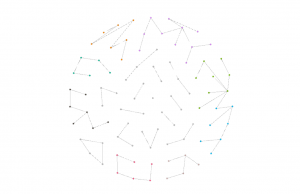
What Steve and I decided to investigate next was adding in a different dimension of information to be visualized. We began to look at the Native American nation they represented.
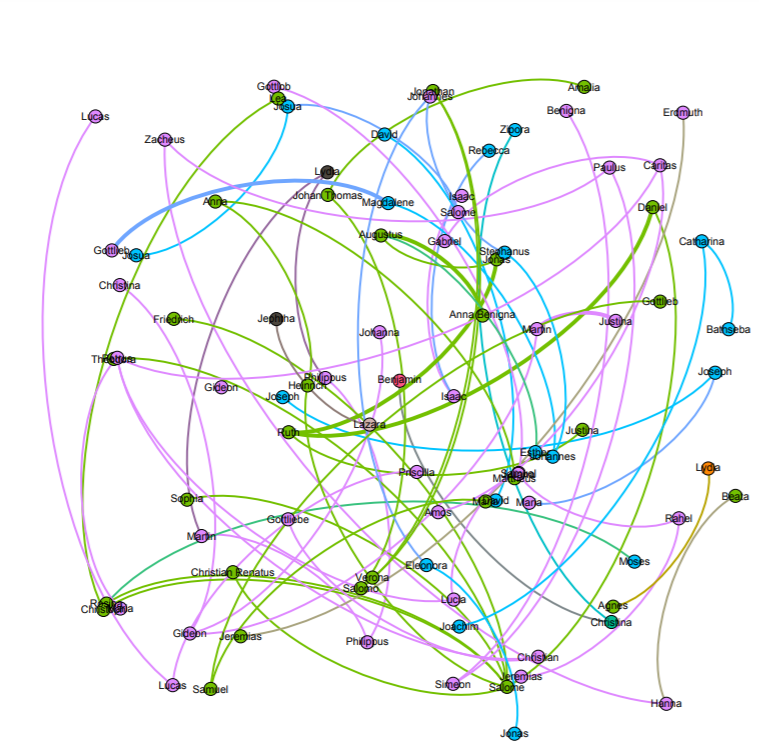
With this visualization, I was able to start answering the question of how important it was for Christianity to be spread among family’s of Native Americans. By making the nation visible with the partition option, we got to emphasize the importance of how a family may have been baptized together with potentially the same baptizer rather than individually. The edges between each family’s relation also represent the top three nations in the data. These were the Wampanog (41.6%), Delaware (31.5%), and Mahican (21.2%), which made up a majority of the nations represented. This proves that family played a large portion in the spread of Christianity for the Native Americans.
Keeping the visual representation of the nations with the color schemes, we saw that some families had intermingling of other families. This showed that despite what nation you came from, something such as Christianity could still be spread from family to family, and nation to nation. This would then lead to more baptized natives, and more influential families that spread the idea of Christianity through their relationships with other families.
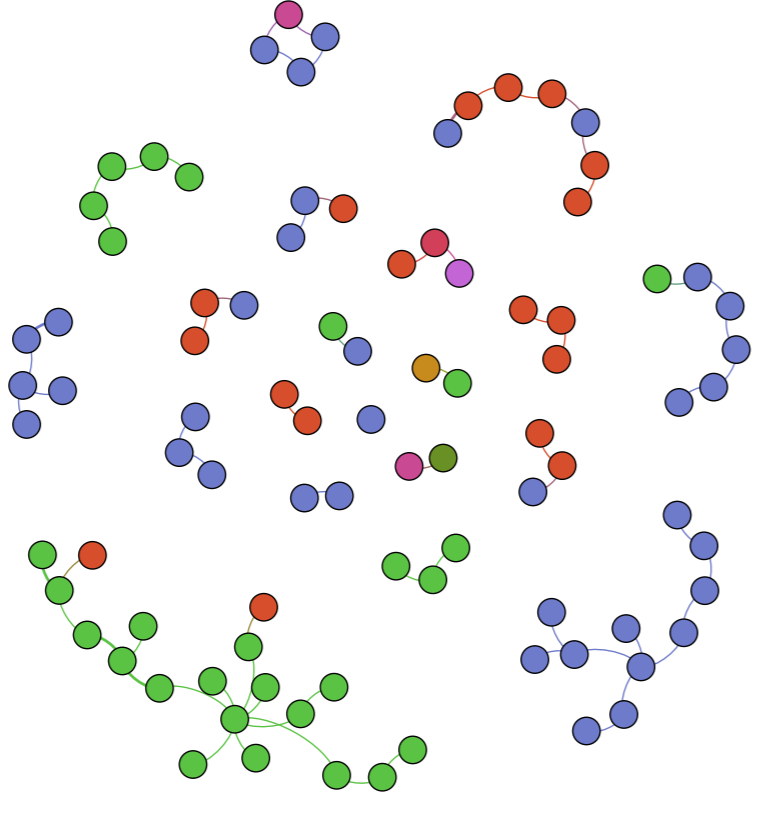
After playing with the different connections, we decide to look at the statistical concepts of modularity, degree, and betweenness or Eigenvector. To isolate each concept, we changed the way the visualization looked with a focus on each.
Salome appears as the biggest name, which means that Salome had the most connections with other family members. We used the average degree report to determine how often the natives were related to one another and came up with a value of 1.57. What this means is that our families were closely related, but not very large. With this information and information we have gather from the previous visualizations, we can determine that a majority of the Native Americans in the entire data set were more than likely small families.
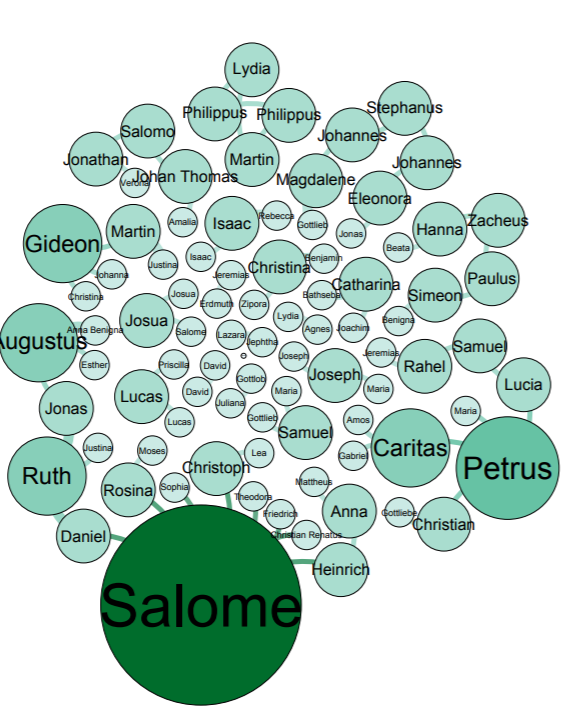
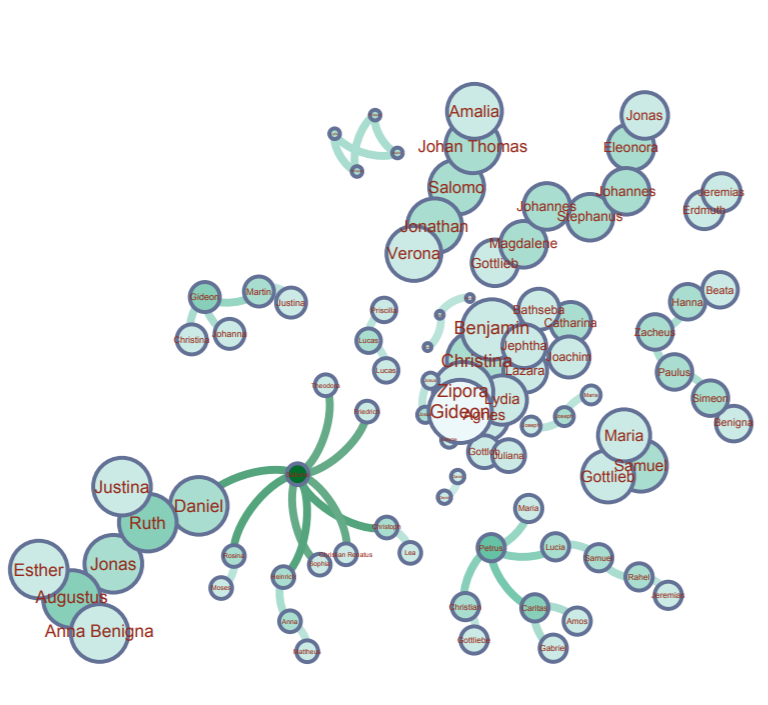
Modularity represents the community structure within a network. Modularity will focus on the nodes and edges in the visualization. Since we have 89 nodes and 70 edges, we used the Force Atlas visualization. After adjusting the “nodes” tab to show their ranking as a degree, we had to set a much larger range so that the nodes appeared much bigger than usual since many of the families were already so small. Paranyushkin talks about how modularity that is measured greater than 0.4 proves that a partition produced by the algorithm can show a distinct relationship within the data. In order to prove his point, we ran the modularity report in Gephi and measured a .9. This proves Paranyushkin’s theory that there are direct links in the modularity that are much stronger than the average links in the entire data set (Paranyushkin 2011).
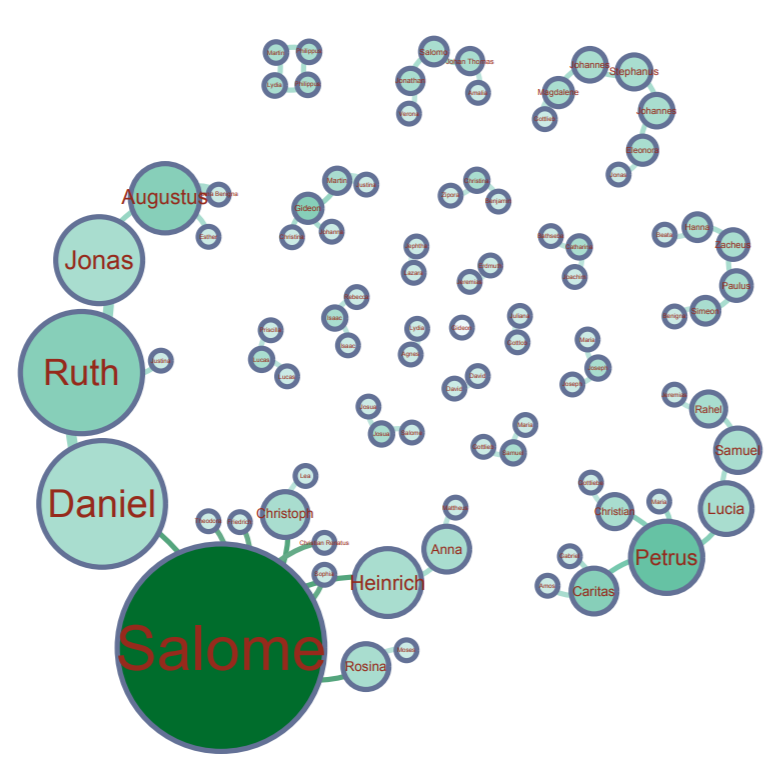
Finally, betweenness is represented as how often a node appears on the shortest path between two nodes in a network. The higher the betweennes value, the more important the node is based off of its presence in the network. Under the “Network Diameter” option in Gephi. It showed that we had a diameter of 8. With Gephi’s resizing tool, we could make the node bigger based on its connections. Salome had the largest betweenness value at 127.
There was definitely a learning curve when it came to using Gephi. Steve and I both had different problems at different times when it came to visualizing our data. More times than not, I would find that the program itself would lose portions of its functions, like my random inability to use the drag tool, or Steve completely losing the Layout widget entirely. But despite its random glitches and dropping our work before we’ve saved, Gephi is a very powerful tool to use when visualizing information in multiple dimensions. When you begin with the first visualization, it becomes almost like a waterfall effect. Each visualization reveals and builds onto a different dimension that can be investigated.
Works Cited
Paranyushkin, Dmitry. “Identifying the Pathways for Meaning Circulation using Text Network”