Research Question: Are the overlaps in the text patterns/word choice of these speeches definitively associated with gender, nationality, location, or date?
Process:
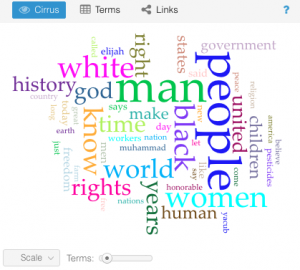
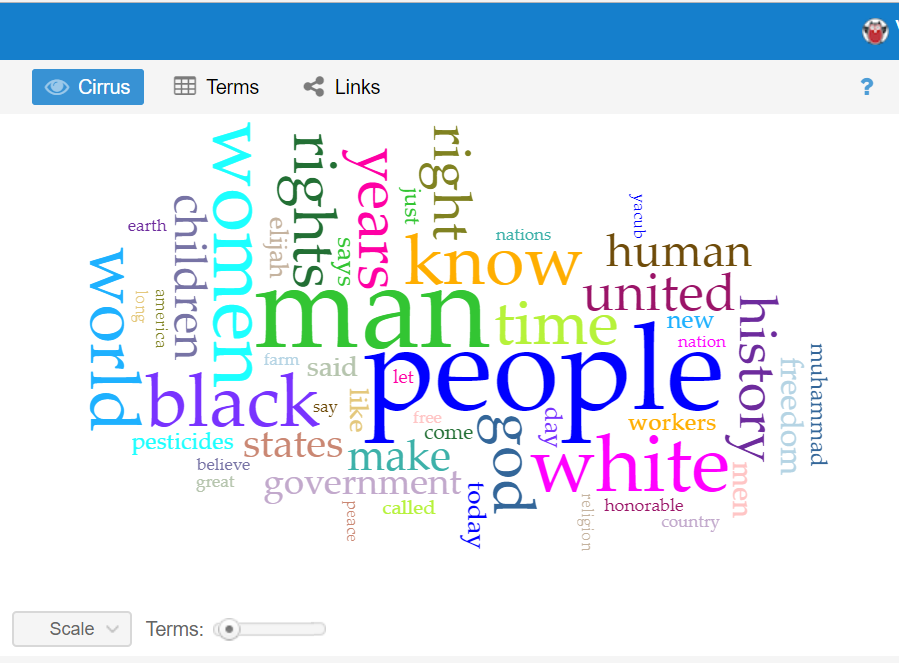
This question has evolved a good bit from the first time I interacted with this data corpus in the first two weeks of school. The first thing I did with this data at the beginning of the semester was to upload the entire corpus into Voyant to learn how to use the text analysis platform. The visualizations I was able to produce were very interesting and informative and I knew they could be useful for my final project if I was able to do more work with them. One that particularly intrigued me was the “Cirrus” tool which showed the most often used words throughout the corpus, displayed with relative frequency corresponding to size of the word. It is the interactive image embedded on the “Most Common Words: Overall” slide in the overview section of the timeline. A screenshot is embedded below for reference, although the timeline view is preferable in my opinion as it is interactive.
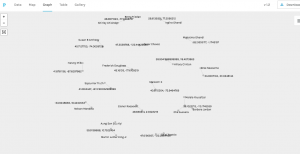
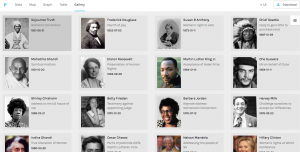
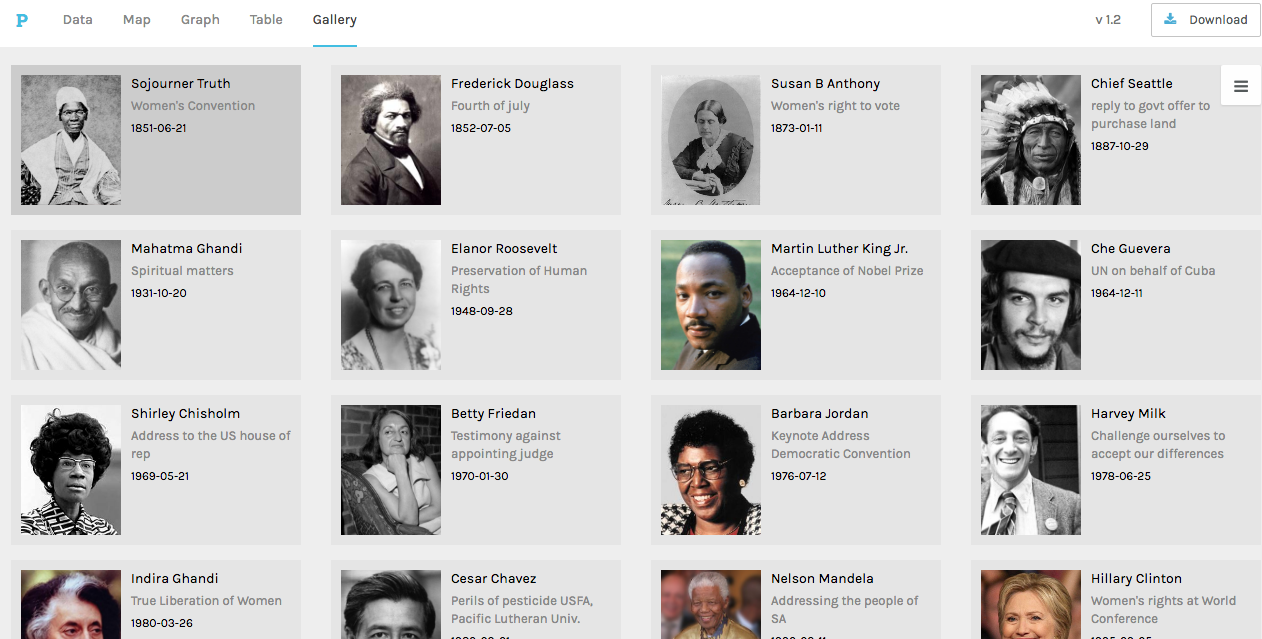
I knew that I wanted to continue working with this data even from this early point, but I wasn’t sure how to formulate a meaningful research question. When we used Palladio in class, I was able to create a visualization that displayed each of the authors of the speeches with pictures next to them for easy identification, as well as with text snippets about their speech topic and dates/locations of delivery. This was, in my mind, something that could be very useful for my final project as it would give the viewer an overview of the corpus provided baseline knowledge so that deeper text analysis from each speech would be more meaningful. This would allow me to ask a fairly specific research question, but not leave a viewer feeling confused or hopeless for where to start due to a lack of underlying knowledge about the topic. Below is a picture of the said Palladio Visualization.
That being said, my goal for this project was to produce what Hanna Drucker calls a “knowledge generator” in the form of an interactive learning experience for the reader. Because Palladio does not allow for it’s interfaces to be embedded on a third party website, and I felt that a screenshot would not be engaging enough, I had to go another route. Using Knight Lab’s Timeline.js template, I was able to create a timeline that includes data points for all 20 speeches on the dates they were delivered/published (if written statements). The timeline also includes 20 separate data points in another category that have bio’s of the speaker, lending a bit more to their background and giving the viewer context to help interpret each person’s speech with.
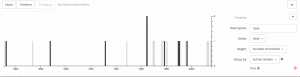
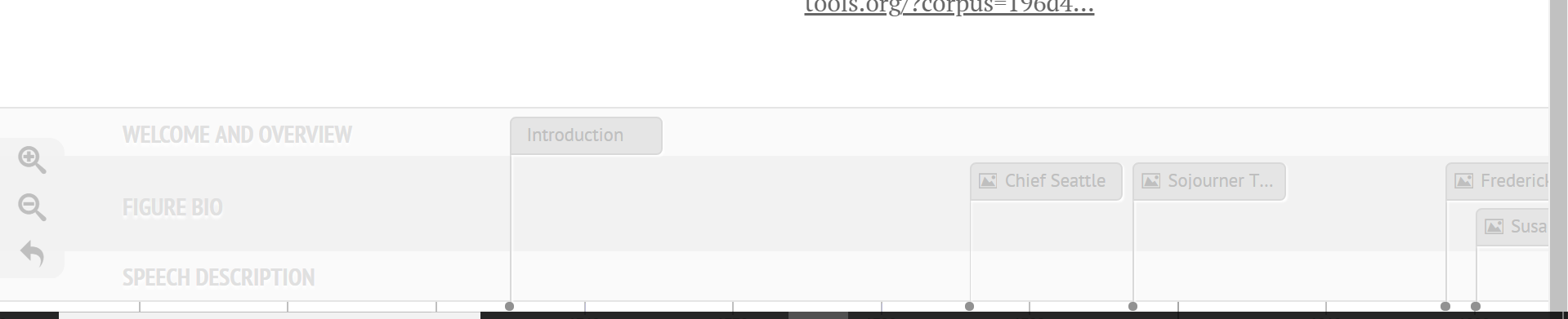
One of the initial problems I ran into on the knight lab platform was the ability to differentiate on the timeline itself (see bottom of image) between info that contained speech descriptions and visualizations, and those that contained bios and pictures of the authors. Initially I began trying to find new ways to name the slides so that they would be distinguishable, and even contemplated trying to put all the information (bios, and speech text analysis) on the same slide in order to avoid confusion. What I was able to do instead however was a best of both worlds solution; I categorized certain data points into groups using an added feature called media grouping/type, thus separating them on the timeline. A screenshot is visible below.
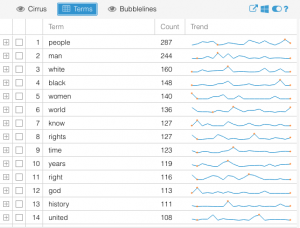
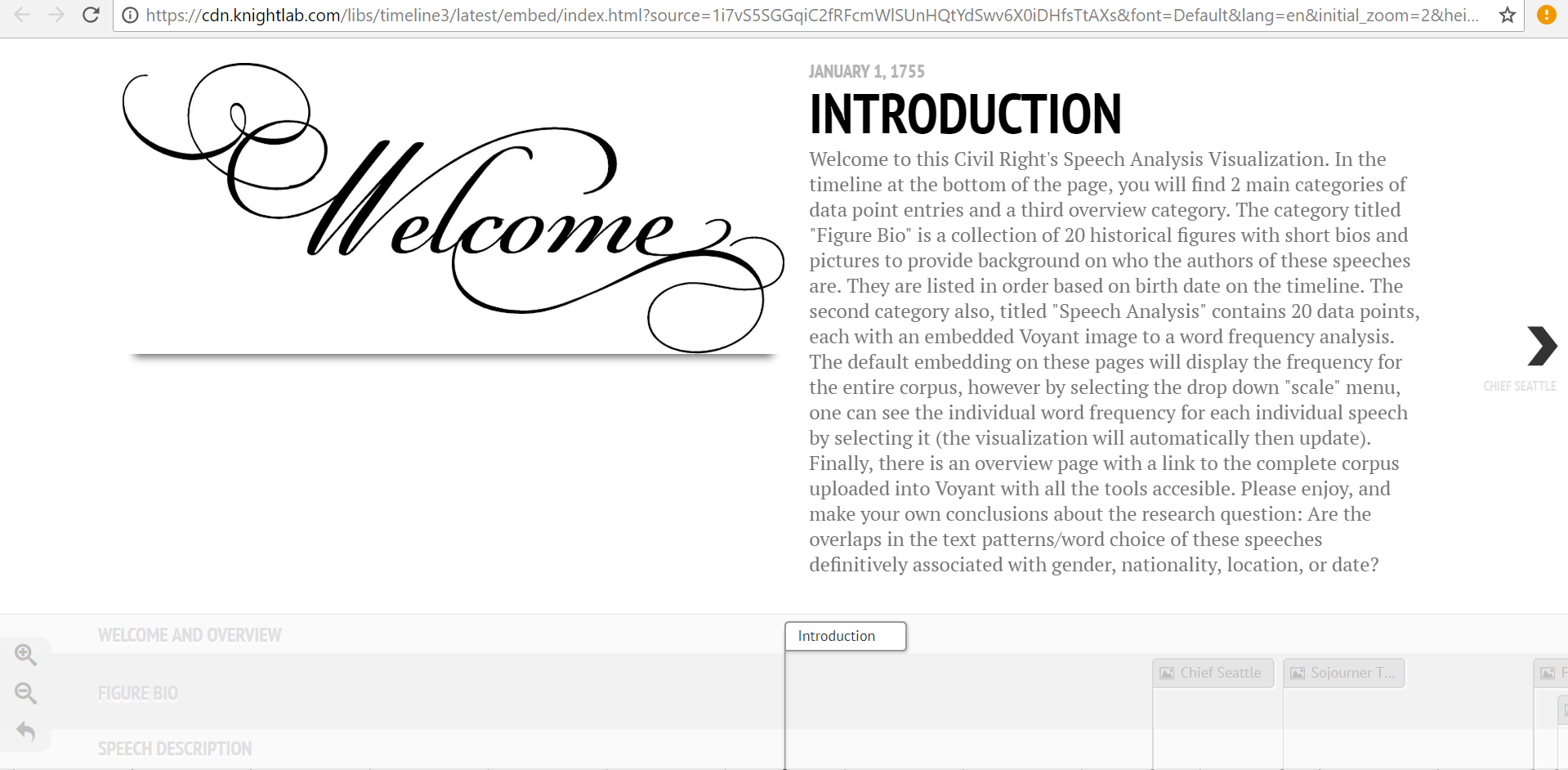
This fix was ideal in many ways, but it also presented a new set of problems. With two sets of data points, I needed to find a new set of images to help convey the speech analysis aspect of the 20 slides. I decided that a relative frequency graph that displayed the most frequently used words in each document and how they were used at different points throughout would provide a good standardized comparison between speeches. The issue was that the Voyant link for this visualization, when embedded, automatically reverts to the graphic for the entire corpus. Therefore, I linked this to each speech slide, and added a detailed note in the introduction section informing readers of how to view the individual frequency graphs for each speech as well as how to compare them using the drop-down menu. In the end, this was a frustrating setback, but it led to the creation of the intro slide, to which I then added other descriptive information about the nuances of the project. This was needed for more than just the details of the voyant interface, but I was unable to recognize this flaw until the “setback” previously mentioned made me aware of it. The intro page welcomes reader, outlines the layout of the site, mentions technical stymies the viewer may run into, and then presents the research question in a clear way that “gets the ball rolling” for the reader’s thoughts on analyzing the data. A screenshot of the Intro page is below.
Personal Conclusion:
My biggest takeaway from this project has been how incredibly difficult it is to draw conclusions based on text analysis alone. There are so many variables that have gone into each one of these speeches, from date, location, ideology of speaker, race, social context, cultural tone differences, and many more. One trend I did find more consistent than others was a tone of aggression from the African American Speaker’s in the corpus (with the exception of King’s Nobel Peace Prize Speech). I also realized that this tone recognition was far more apparent to me in the text analysis visualizations after having read the speeches which led me to recognize the limitations of Voyant in terms of “sentiment analysis.” This could be a good place to use Gephi for the same data if I or anyone else wanted to delve further into this analysis. As far as location and date, I was unable to draw any significant conclusions from the textual tendency similarities/differences of speeches with similar inputs.
Possible Improvements/Redesign/Reflection:
After completing a long project, I always like to reflect on the ways I could have improved it, and note all the things I realized I should have done differently once I was a ways to far down the road to go back and change it. The first of those things for me was that I wish I had defined my research question earlier so that I was more aware of how I could have used the platforms we tried in class to answer that question (for example how I mentioned sentiment analysis with Gephi).
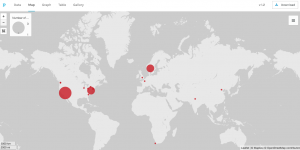
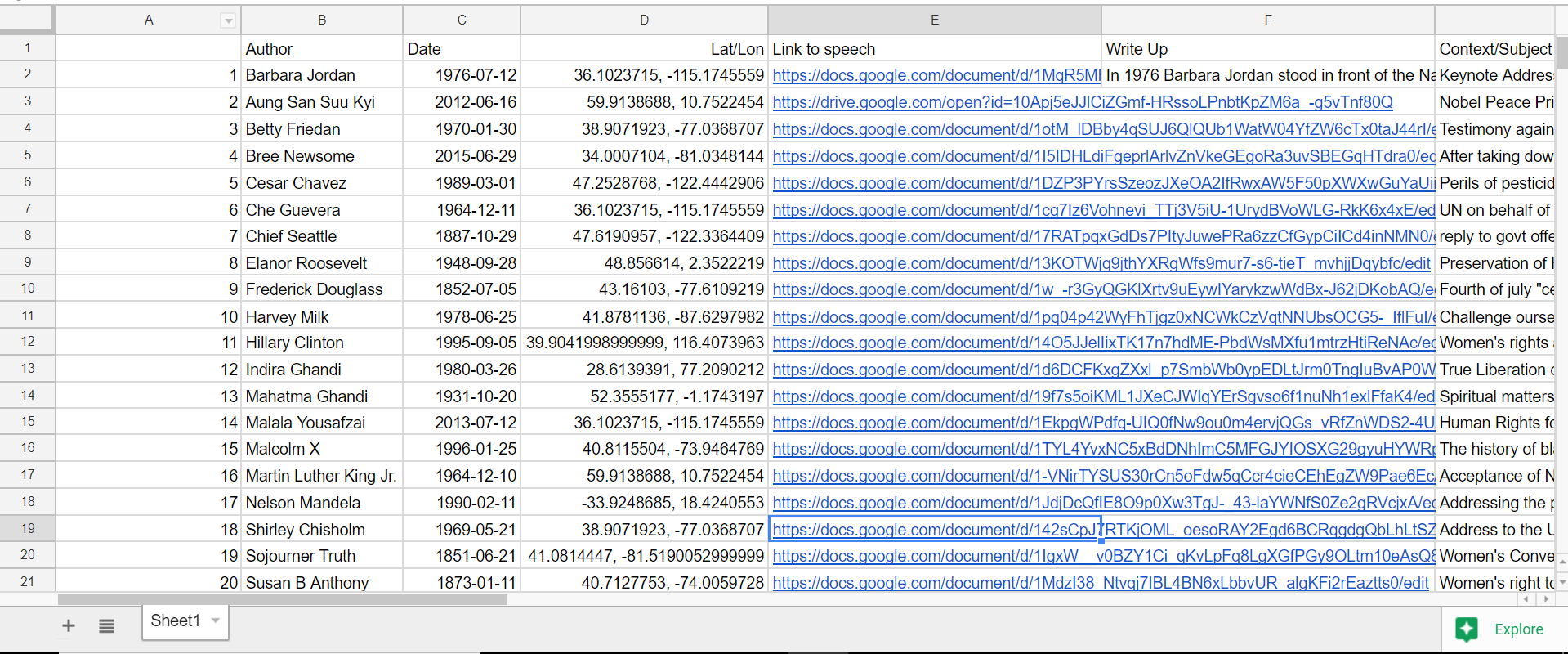
The other main aspect of redesign would be for me to keep much better track of ALL of my data from the beginning.For example, I gathered all the locations of the speeches one by one very early in the year, and then I input them into a google program that translated them to latitude and longitude. This was very helpful as it allowed for easy input into palladio, but I lost the locations in text form. When I decided then for this project that I was going to do write-ups on each speech… you can see the issue I’m sure. I wanted to include location naturally, as that was a defined category in my research section, but I had carelessly lost that data in a meaningful way, thus I had to go re-find it. When completing a long project like this, things like that can be defeating. Unfortunately, this wasn’t the only scenario like that as I did the same thing with looking up the dates of the speech, and then choosing to also use author’s birth dates when I went to separate data points for bios and text analysis. It’s a lesson I will not forget again when doing data analysis. Never write over anything, just make a new column; you never know when you might want that data in that format again even if it seems useless to you now. The overwrite mistake can be seen in the screenshot below (notice, lat/lon, but no english language location).
That being said, I am very pleased with how this ended up, I made a lot more progress than I thought I would and my final product on timeline is far more polished than I thought it would be when you first introduced the idea of me using this platform. Thanks for all your help, and I hope you enjoy this visualization!
Link to Timeline.js Site:
https://cdn.knightlab.com/libs/timeline3/latest/embed/index.html?source=1i7vS5SGGqiC2fRFcmWlSUnHQtYdSwv6X0iDHfsTtAXs&font=Default&lang=en&initial_zoom=2&height=650
Voyant Link:
https://voyant-tools.org/?corpus=196d419a39af8bde45a5cabb6afbf8da
Timeline Excel Template Link:
https://docs.google.com/spreadsheets/d/1i7vS5SGGqiC2fRFcmWlSUnHQtYdSwv6X0iDHfsTtAXs/edit#gid=0
Preliminary Corpus Info Link:
https://docs.google.com/spreadsheets/d/1qVLefIlz_z_GGl8YJkAcJGqpx8lqMKinO_KNXFVnKxo/edit#gid=0